uxpixo Prague

What does a design system actually deliver?

Not just pages, but a scalable, consistent language that your team can use, adapt, and maintain—without starting from scratch every time.

View Case Studies
"A good design system is invisible. It's the thing that makes your product feel effortless to use and your team feel confident in shipping."
— uxpixo methodology
Pillar One

Strategic Discovery & Diagnostic Audit
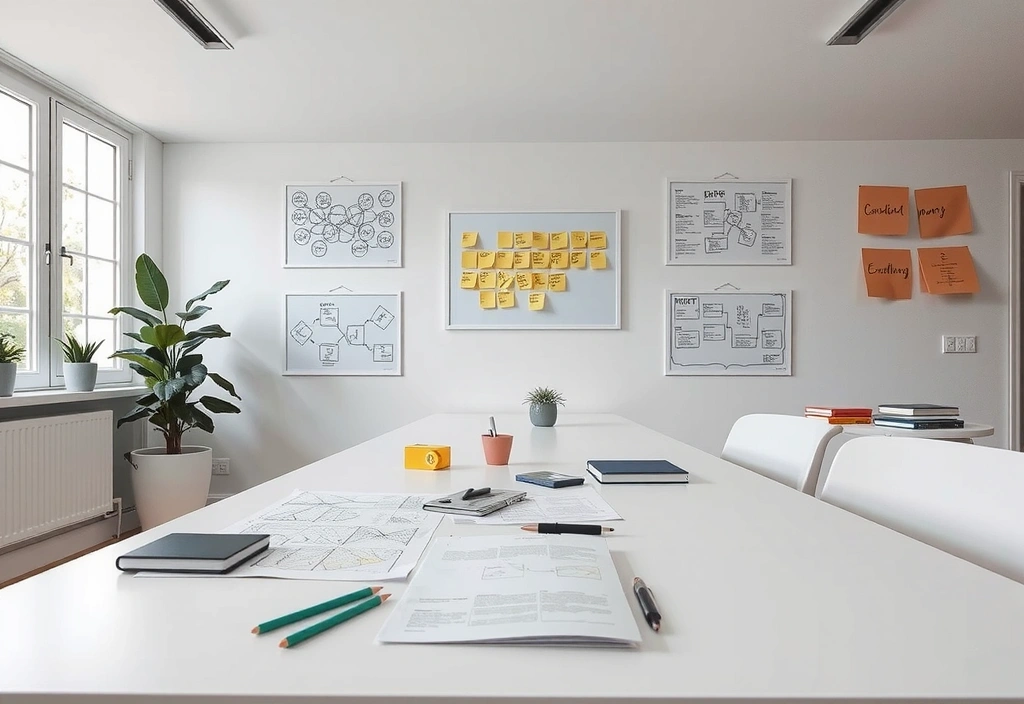
Strategic discovery phase artifacts on a studio table

The "Design Brief" document emerges from this diagnostic phase.

Before a single pixel is placed, we conduct a 2-week discovery sprint. This isn't about aesthetics; it's about mapping user journeys against your business KPIs. We facilitate stakeholder alignment workshops in our Prague studio, using physical prototypes to bypass abstract feedback.

The deliverable is a comprehensive Design Brief. This document includes annotated wireframes, competitor analysis, and a prioritized feature matrix. Critically, we document "assumed user behaviors"—the hidden expectations that often derail projects when they prove incorrect.

"The audit revealed our users weren't failing to check out—they couldn't find where to check out. That single insight saved us from redesigning the wrong thing."
— CTO, Prague Fintech Client
Pillar Two

Interface Systems & Component Architecture

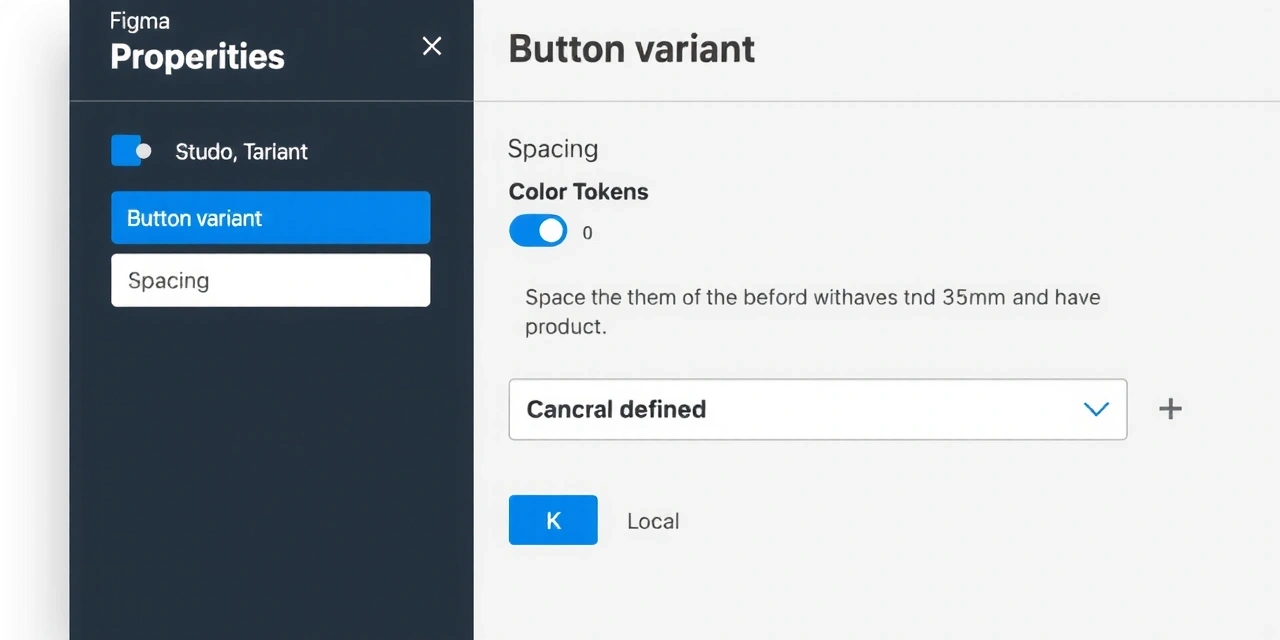
Our output is a living system, not a collection of static pages. Every button, form field, and card exists in Figma as a component with rigorous usage rules and accessibility specs. We provide the rationale for every hex code and font weight, tying them directly to brand hierarchy and user emotion.

Figma component panel detail

Component Library

Usage rules & accessibility specs included.

CSS variables code snippet

Developer Handoff

Annotated code & living style guide.

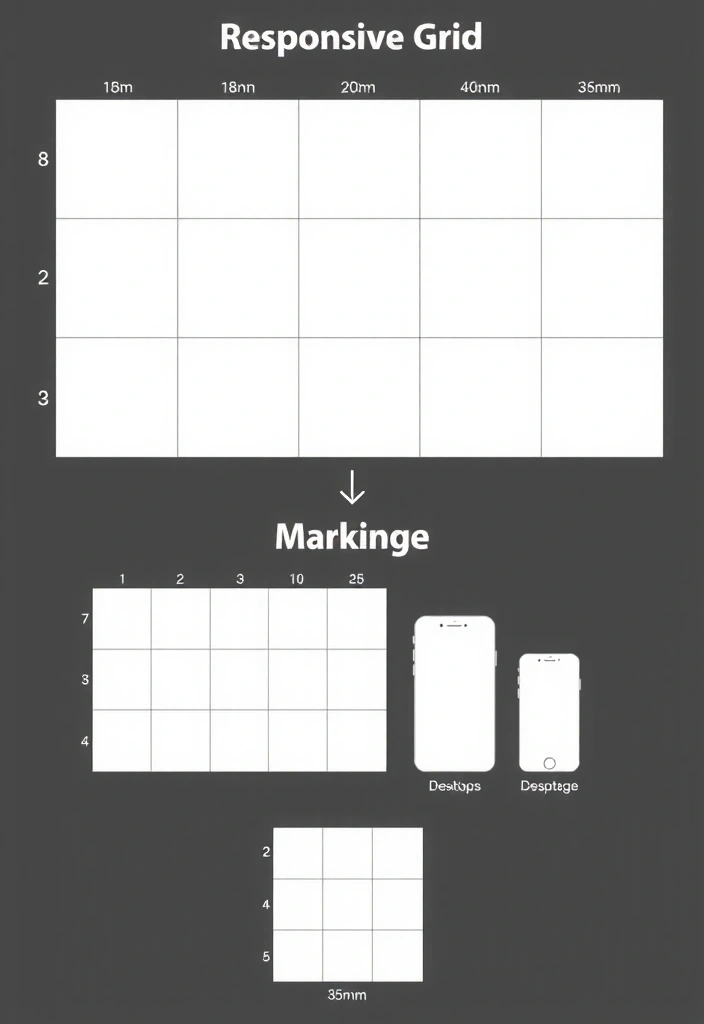
Responsive grid logic diagram

Responsive Logic

Breakpoint decisions documented for future devs.

Pillar Three

Motion as Meaning: Micro-Interaction Layer

Motion is a functional tool, not decoration. Every transition must answer a user question: "Did that work?" or "Where did it go?" We design within a strict performance budget, targeting 60fps by using CSS transforms over heavy JavaScript libraries.

We prototype in Figma with Smart Animate, then validate with lightweight Lottie files. All motion respects prefers-reduced-motion, ensuring accessibility for users with vestibular disorders.

Trade-off: Animation vs. Performance

  • Upside: Crisp, tactile feedback confirms actions.
  • Downside: JS-heavy animations can lag on older devices.
  • Mitigation: We use CSS-native transitions and limit duration to 150-300ms.

Micro-interaction: Button "pulse" confirms successful action within 150ms.

Common Design System Pitfalls

Learn from projects that didn't take the systematic route. We see these patterns frequently in post-audit reviews.

The "Frozen Components" Trap

Teams create a component library but never update it. New features are built as one-off overrides, creating visual debt and accessibility bugs.

Mitigation: Assign a "System Steward" role and schedule quarterly system review sprints.

Ignoring Legacy Constraints

Designing a clean system in Figma that has no path to implementation in a legacy tech stack, leading to massive scope changes during handoff.

Mitigation: Involve a lead developer in the audit phase, not just at handoff.

Over-engineering for Edge Cases

Building 15 button variants for 3 hypothetical user scenarios. This increases complexity for devs and slows down the entire project.

Mitigation: Start with 3 core variants. Expand only when real user data demands it.

No Bilingual Logic

Designing only for English, then discovering Czech (with longer words) breaks every component at launch. A common mistake for agencies without Prague context.

Mitigation: We design with a 40% longer word length as a system constraint from day one.

The Trade-off Map

Real projects require compromise. Here are the most common decision points and their practical consequences.

Custom Component vs. Paid Library

Custom Component

  • High control over UX
  • Brand-perfect match
  • +4-6 weeks dev time

Paid Library

  • Fast implementation
  • Built-in accessibility
  • - Brand uniqueness

Detailed Docs vs. Verbal Handoff

Detailed Docs

  • Clear, referenceable
  • Reduces dev questions
  • - Time-intensive to create

Verbal Handoff

  • Fast, immediate
  • Good for small teams
  • - High risk of misinterpretation

Pixel-Perfect vs. Adaptive System

Pixel-Perfect

  • Beautiful static mockups
  • Clear visual spec
  • - Brittle on code changes

Adaptive System

  • Resilient to changes
  • Respects variable content
  • - Harder to "sell" visually

Scenario: The Handoff Hurdle

The Meeting: It's a Tuesday afternoon in our studio. The client's dev lead, a skilled developer using a legacy PHP stack, sits with us. They've just seen the Figma files.

The Crisis: "This dropdown is gorgeous," they say, "but our admin panel can't handle dynamic states in this way. It would require a full front-end rewrite."

The Pivot: This isn't a failure. It's why our system includes an "implementation reality" layer. We immediately walk them to our whiteboard and sketch a simplified version using HTML/CSS defaults that feels like the original, but works with their constraints. The project stays on track because the design intent, not the specific code, was the deliverable.

Our Handoff Protocol

Phase 1: Design QA

Collaborative review testing the implemented site against Figma. We document discrepancies, not just list them.

Phase 2: Asset Package

Production-ready images (WebP), icons (SVG), and fonts (WOFF2), plus a "Design Rationale" PDF explaining every major decision.

Phase 3: Knowledge Transfer

A final walkthrough with the dev team. We leave them with a system that feels intuitive to maintain, not a mystery box.

Ready to build a system, not just a site?

Let's audit your current interface landscape and identify the highest-leverage components to systemize. The first consultation is a conversation, not a pitch.

Start the Conversation

Or contact us directly:

[email protected]

+420 222 514 444

Studio: Karlovo nám. 17, 120 00 Praha 2, Czechia
Hours: Mon–Fri: 9:00–18:00 CET